Chapter 01
Welcome to Studio
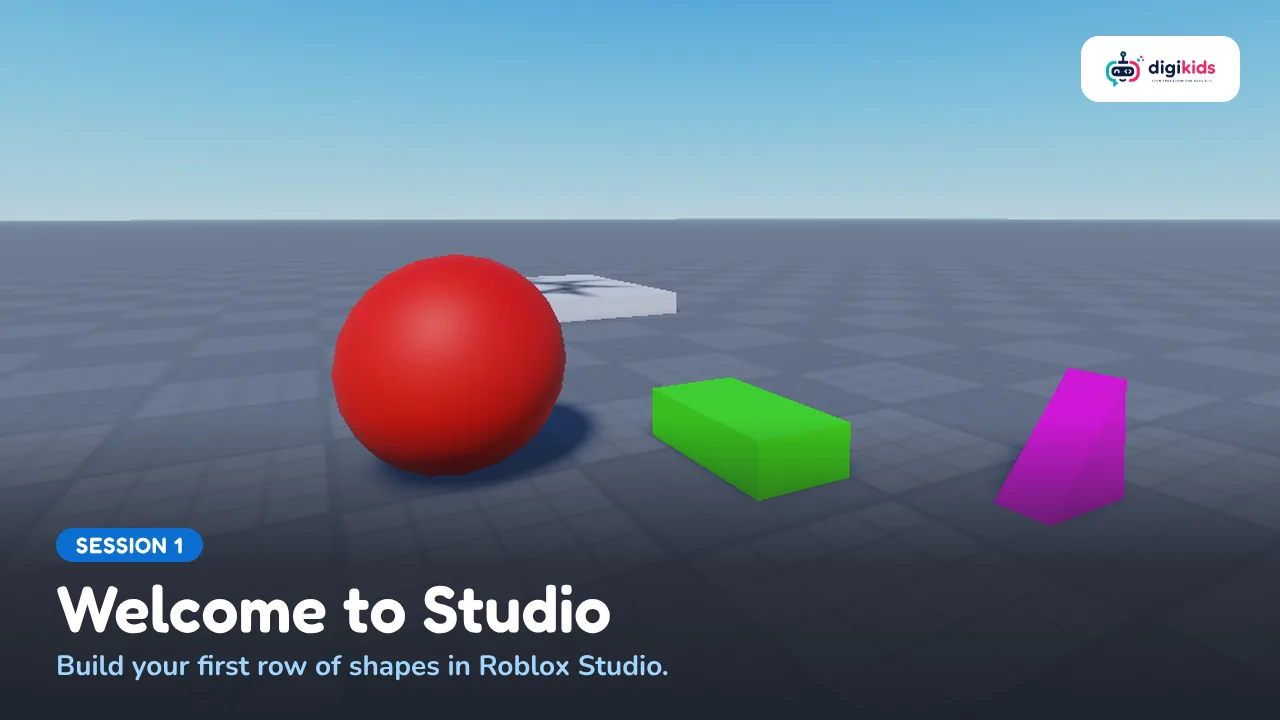
My First Row: three named, coloured shapes in a row, walked along in Play and saved.
Your child designs and builds their own 3D adventure game in Roblox Studio, the tool real Roblox creators use. Over 13 live online sessions with a teacher they build a world one zone at a time: platforms and jumps, checkpoints, a spinning bar and a moving ferry, with almost no code. They learn to plan before they build, test their own work and fix what is too hard, then show the finished world to family on Demo Day. No experience needed. Needs a Windows or Mac computer with a mouse, a steady internet connection, and a Roblox account made by a parent. Chat stays off and the teacher never plays with your child inside Roblox.

No experience at all
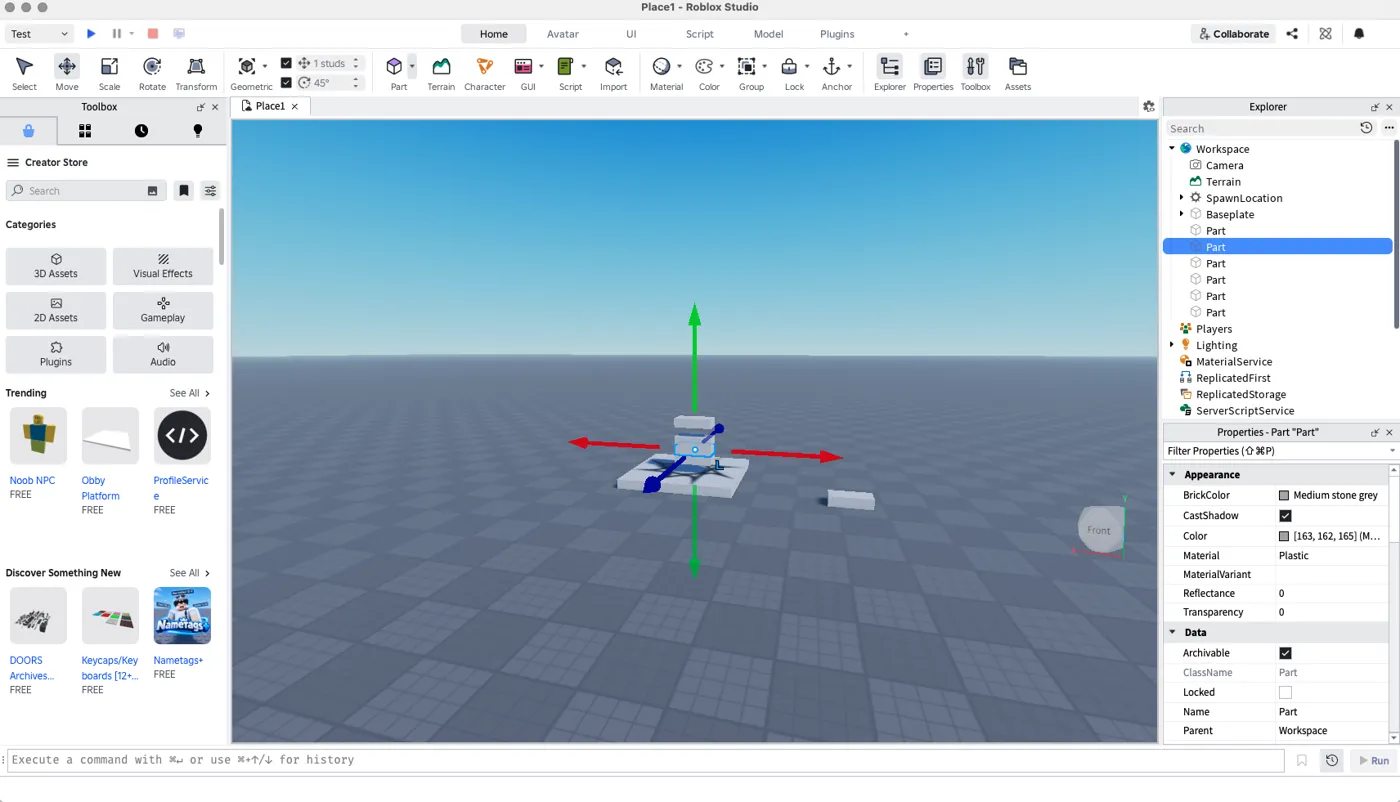
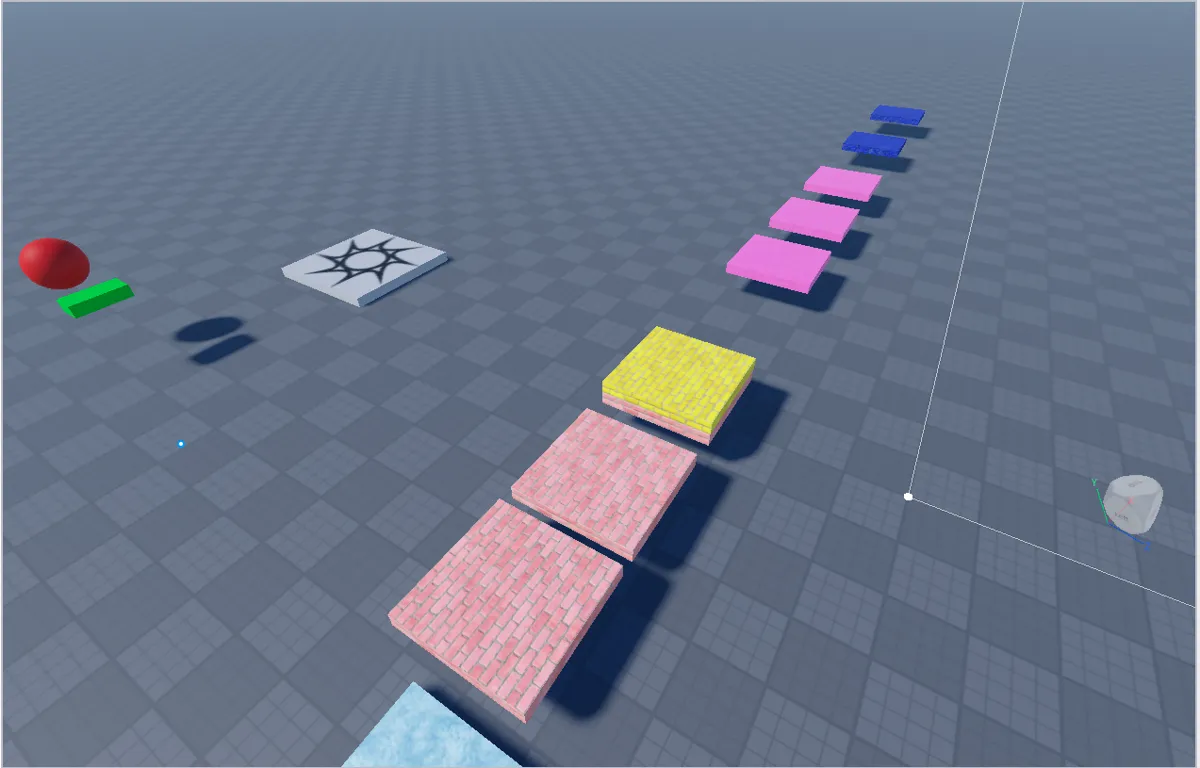
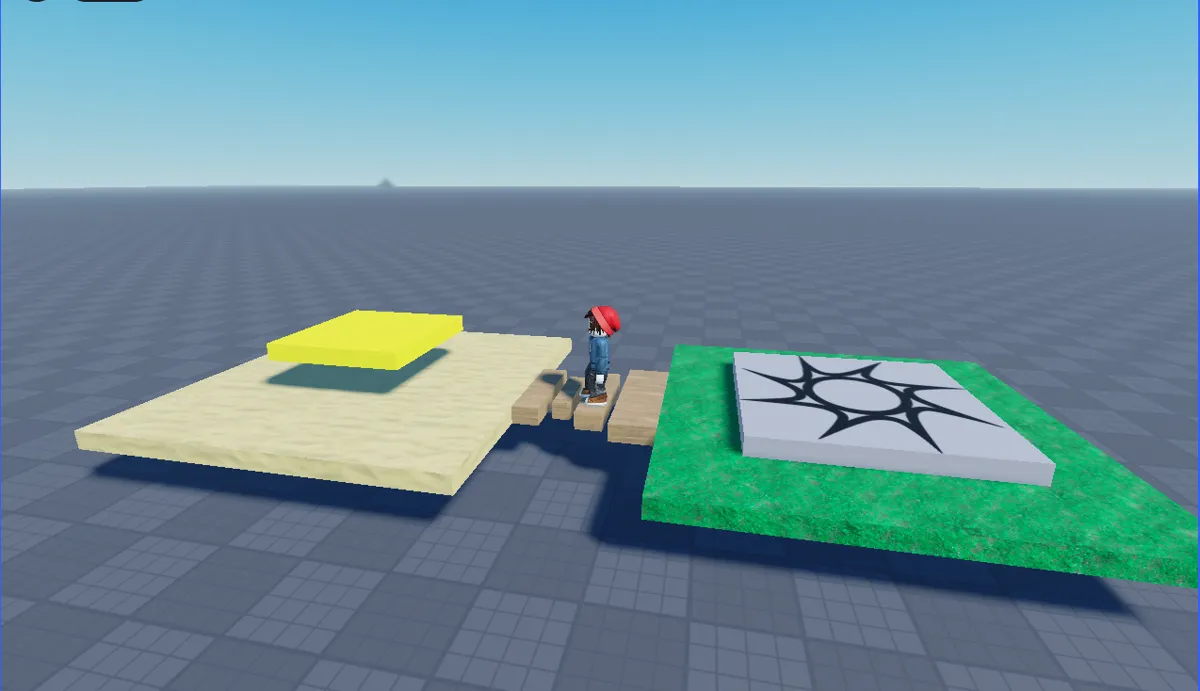
Follow the course from the first idea to the finished project.
My First Row: three named, coloured shapes in a row, walked along in Play and saved.
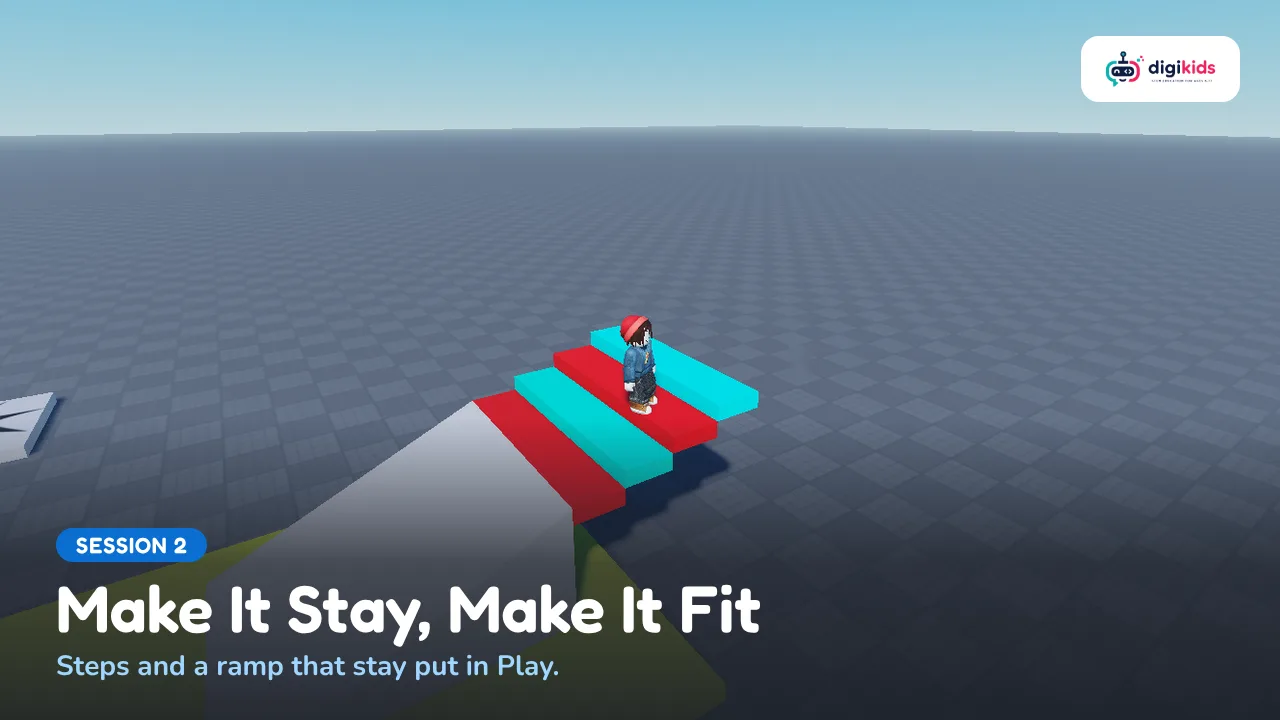
Climb to the Gold: steps and a ramp up to a gold goal block, all staying put.
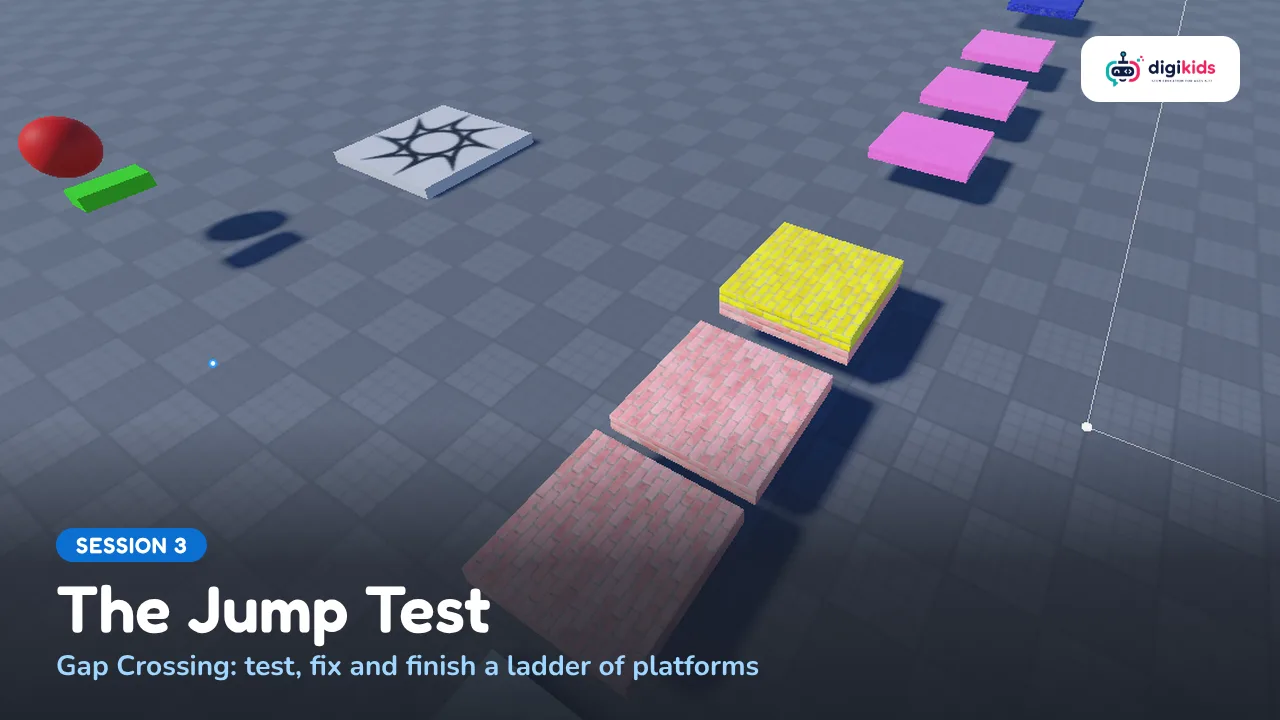
Gap Crossing: three gaps, each harder, tested until a character can really cross them.
Create an account or log in to see all 13 chapters.